Quick start: Set up your account
Before you make anything, get three things sorted: your account, the AI that powers it, and who else can get in. It takes about ten minutes and you only do it once.
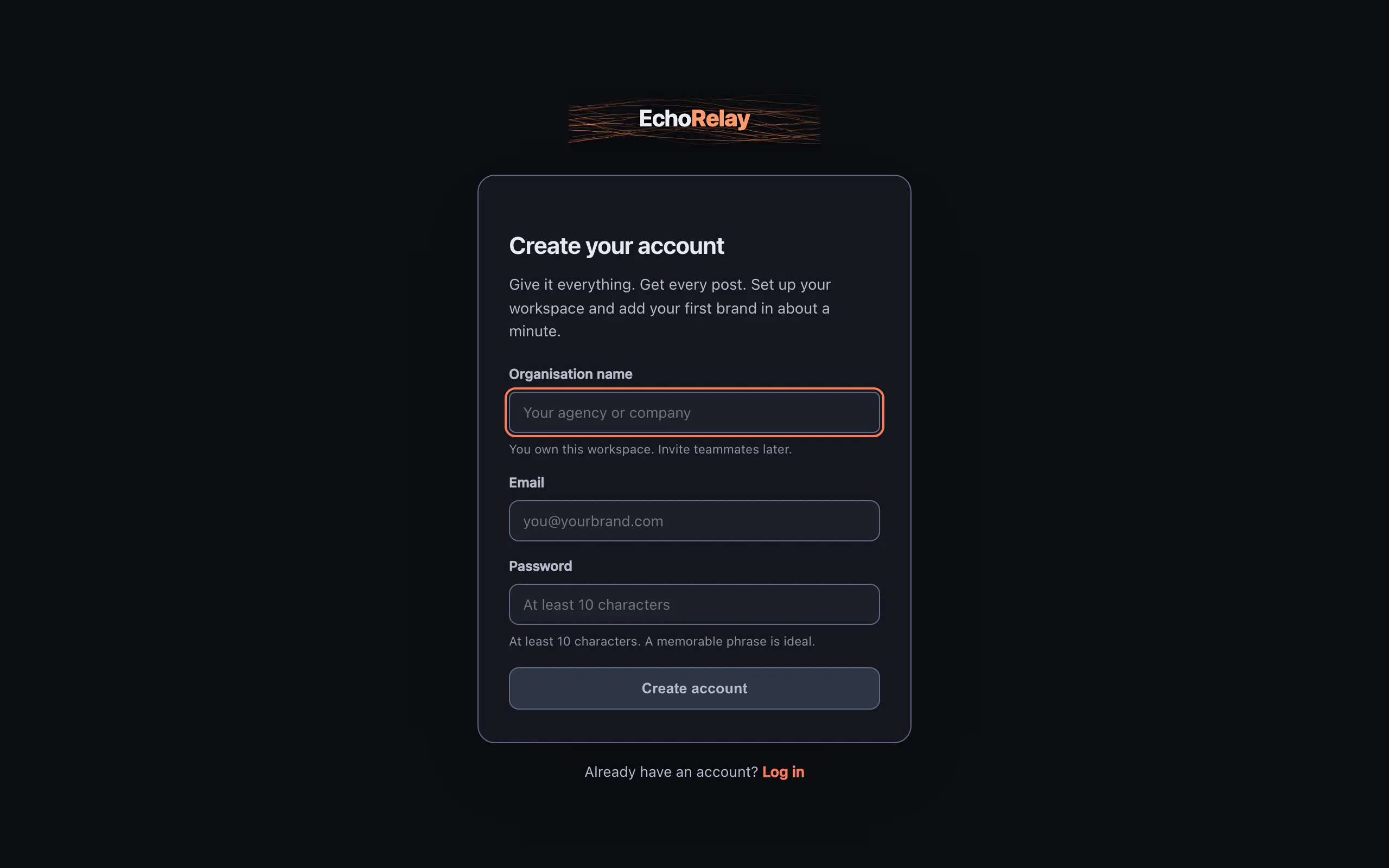
1. Create your account
Section titled “1. Create your account”Where: Sign up
Sign up with your email and a password. The first person on an account is its owner: you can rename the account, manage billing, and invite everyone else. Everyone you add later belongs to this one account, and you decide which brands each person can reach.
2. Connect your AI
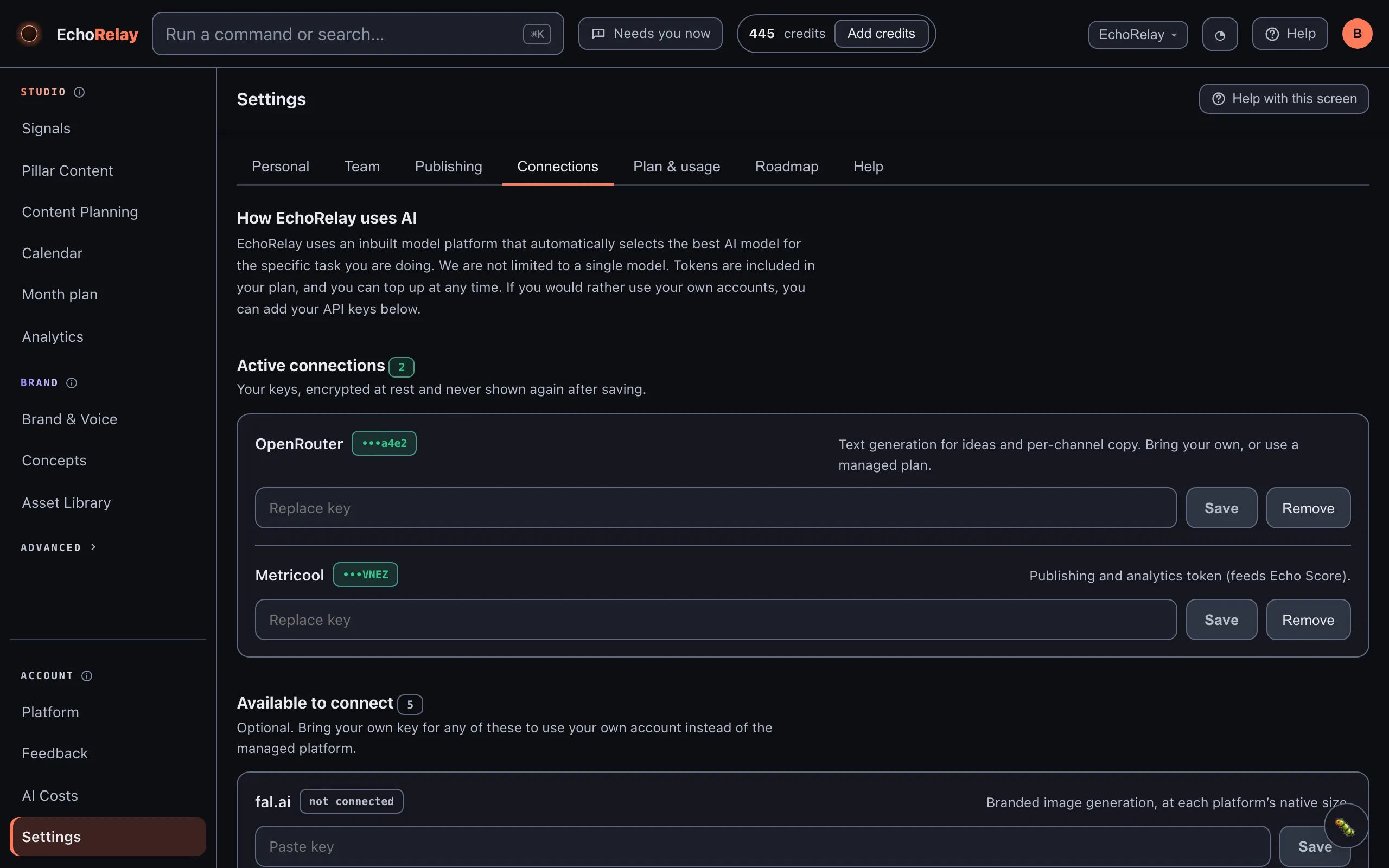
Section titled “2. Connect your AI”Where: Settings → Connections
EchoRelay writes and generates images with an AI model, so it needs a key. Start on the managed credits that come with your plan, or add your own OpenRouter key (for writing) and fal key (for images). Your own key means you pay the provider directly and never hit a credit ceiling; a managed plan is simpler to start. You can switch at any time.
3. Name yourself and the account
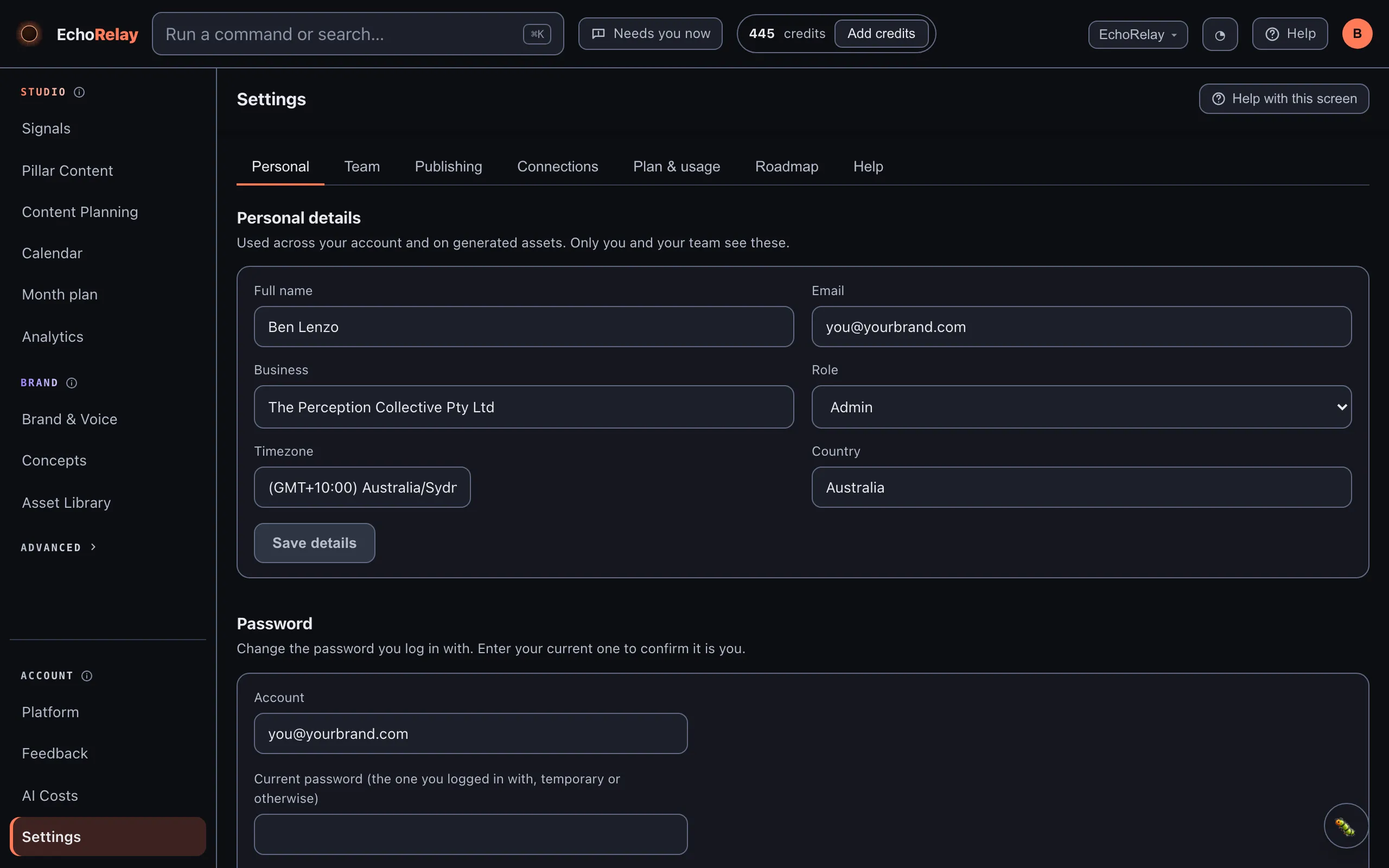
Section titled “3. Name yourself and the account”Where: Settings
Set your account name and your own display name. This is what shows against posts, invitations and client comments, so it should be a real person, not “admin”.
4. Invite your team or a client
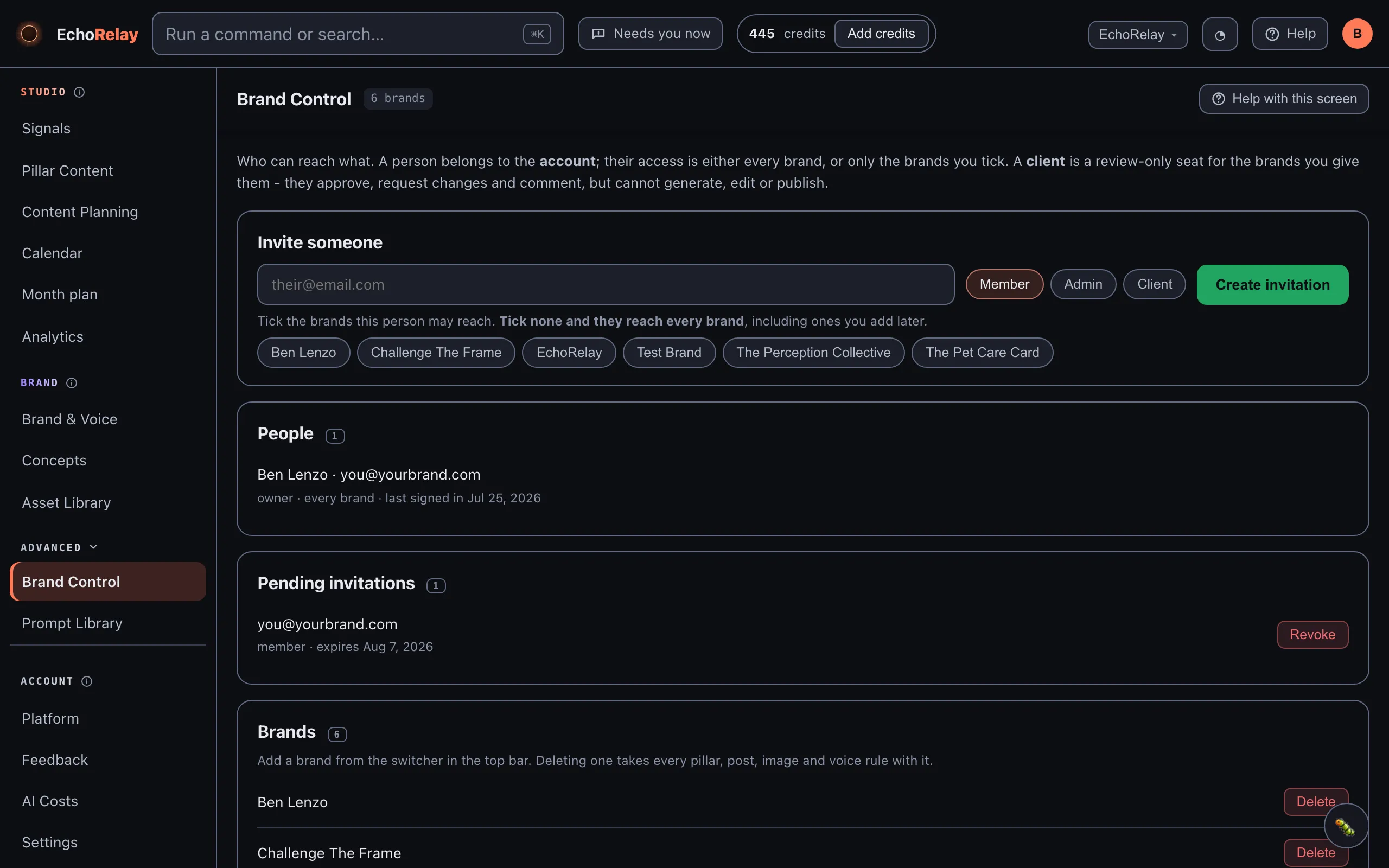
Section titled “4. Invite your team or a client”Where: Brand Control
Add people by role:
- An admin reaches every brand and can manage others.
- A member reaches only the brands you tick.
- A client is a review-only seat: they can read, comment and approve or request changes, but never edit or publish.
That last one is how you loop a customer in for sign-off without handing over the keys.
5. Keep an eye on credits
Section titled “5. Keep an eye on credits”Where: Top bar
The top bar always shows your remaining credits. Top up or connect your own key whenever you like: a post is only ever generated once you have the AI to do it, so you are never surprised by a silent failure.
You’re set up when
Section titled “You’re set up when”- You can log in as the owner
- An AI key or managed credits are connected
- Your name and the account name are set
- Anyone who needs access has been invited with the right role
Next: Set up your brand →