Settings & plans
Settings is where you set up everything around the content: who you are, who’s on your team, how posts get published, which AI powers it, and what plan you’re on. It’s split into tabs.
Personal
Section titled “Personal”Your name, email, business, timezone and country, used across your account and on generated assets. This is also where you set or change your password.
Invite teammates to collaborate on an account (single-seat today; roles are coming). It also holds one important switch:
- Require approval before publishing - when on, posts must be approved before they can be scheduled or published, and the Approve controls appear. Off (the default) suits a solo operator who publishes directly. For agencies this moves to per-client approvals.
Publishing
Section titled “Publishing”Where EchoRelay sends approved posts. Pick a posting partner - Metricool, Post Bridge, or the native platform APIs - and set a default. Post Bridge is cheap but reports no analytics, so the Echo Score can’t learn from results there; that’s flagged on the card.
You can also connect Instagram & Facebook, LinkedIn and Threads directly, without a partner in between, and choose exactly which platforms this brand creates for so generation only writes (and only spends) for networks the brand actually uses. See Publishing for the full flow.
Connections (AI)
Section titled “Connections (AI)”EchoRelay uses an inbuilt model platform that automatically picks the best model for the task - it isn’t tied to a single one. On a managed plan those tokens are included, and you can top up any time.
If you’d rather use your own accounts, bring your own key for any provider (OpenRouter, fal.ai, Metricool, Post Bridge, OpenAI, Anthropic). A BYO key is you paying the provider directly and is never gated. Keys are encrypted at rest and never shown again after saving.
Plan & usage
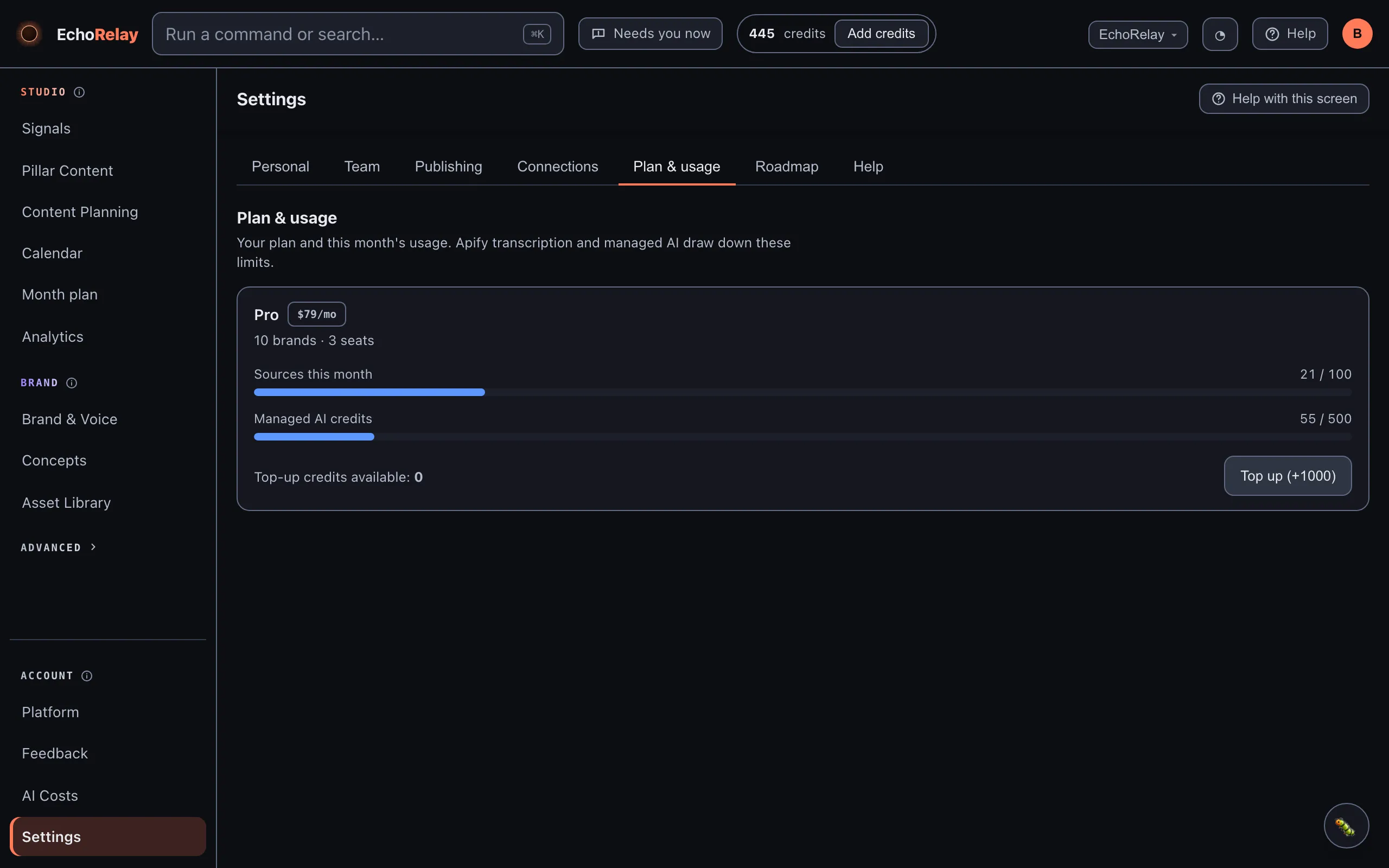
Section titled “Plan & usage”Your plan - its name, monthly price, and brand and seat limits - alongside this month’s usage: sources used, and managed AI credits drawn down, each shown against its limit. You can top up credits here when you need more. Your remaining credits also live in the header, on every screen, with the same top-up path one click away.
What a credit buys
Section titled “What a credit buys”One credit = one AI call on EchoRelay’s managed keys. Bring your own key and calls cost you nothing in credits - ever. Roughly, measured across real production usage:
| You do this | It costs about |
|---|---|
| Generate a full Pillar (3 ideas, written for 7 platforms, scored) | ~25 credits |
| One Refine message on a draft | 1 credit |
| Rank your whole Arrivals list for brand fit | 1 credit |
| Generate one creative AI image | 1 credit |
| Read a source document or link into a Pillar | a few credits |
So a Pro plan’s 500 monthly credits cover roughly 20 full Pillar generations - on the order of 140 platform-ready posts - with room left for refining and ranking. Agency’s 2,000 scale that to around 80 generations. Transcribing video and audio is metered separately against your plan’s sources limit, not your credits.
These are honest estimates from our own usage, not promises - a Pillar with more ideas or more platforms uses proportionally more.
Roadmap
Section titled “Roadmap”A living Now / Next / Later view of where EchoRelay is and where it’s heading. It moves as things ship, so it’s the honest answer to “can it do X yet?”.